RadI0
A .NET 10 Software-Defined Radio (SDR) receiver for DAB+ and FM broadcasts
Software Requirements
Hardware Requirements
- RTL-SDR Dongle: RTL2832U-based USB receiver (e.g. RTL-SDR Blog V3, NooElec NESDR, ASTROMETA)
- Antenna: Standard telescopic or dipole antenna (FM 88-108 MHz, DAB+ 174-240 MHz)
- USB Port: Available USB port for connecting RTL-SDR dongle
Download Latest Release (v0.1.4.1)
Key Features
DAB+ Radio
- OFDM Demodulator (Fast Fourier Transform)
- Viterbi convolution decoding & Reed–Solomon forward error correction
- FIC channel data parsing & ADTS stream demodulation
- AAC recording & PCM recording (faad2)
- UDP streaming support (ADTS AAC for DAB+)
- Service number-based tuning
- PAD dynamic label parsing (DLS)
- MOT slideshow (images saved automatically to
pictures/RadI0)
FM Radio
- Mono / Stereo FM demodulation
- PCM WAVE recording
- RDS RadioText parsing
UI & Platform
- Terminal-based GUI built with Terminal.GUI
- Cross-platform: Linux & Windows support
- Audio playback via libVLC
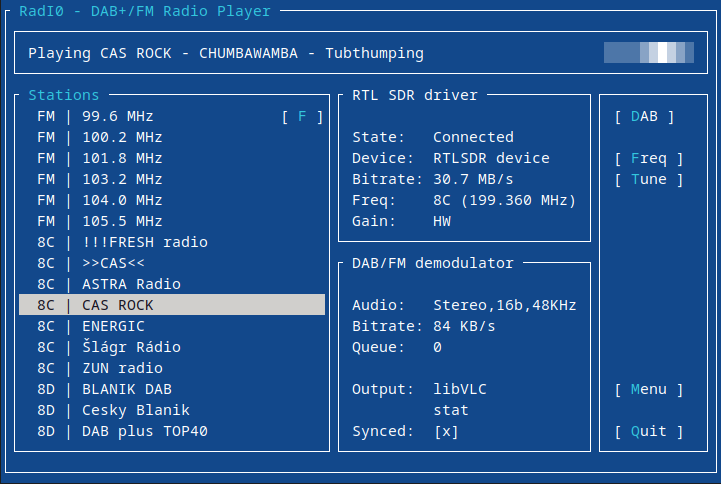
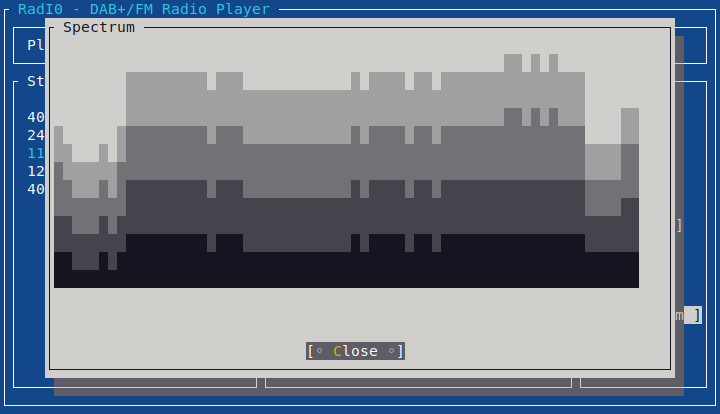
- Real-time spectrum analyzer, constellation diagram & 10-band equalizer
Remote Access (rtl_tcp)
RadI0 supports remote signal processing by connecting to an rtl_tcp instance. Set up your RTL-SDR dongle and antenna in a location with optimal reception and run the RadI0 receiver interface on a different machine anywhere in the network.
High Bandwidth Notice: Because raw I/Q samples are transferred, DAB+ throughput is ~30 Mbit/s. Ensure sufficient network bandwidth.
Android Support
The NuGet packages used by RadI0 are also used in DVBT Televizor. Through this actively developed application, you can also listen to digital radio directly on Android devices.
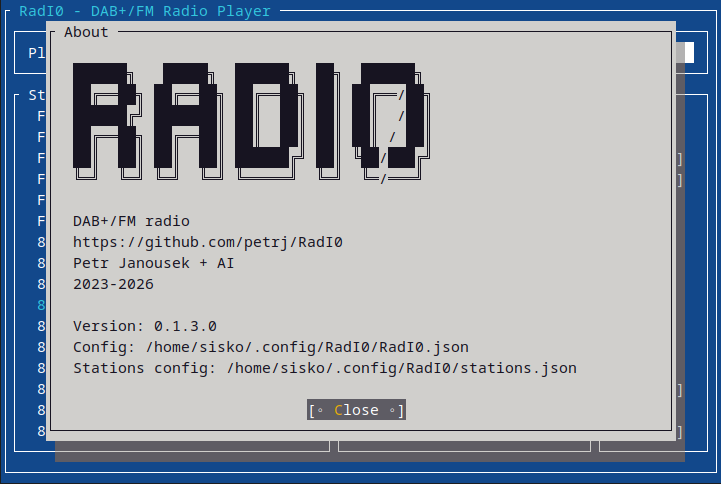
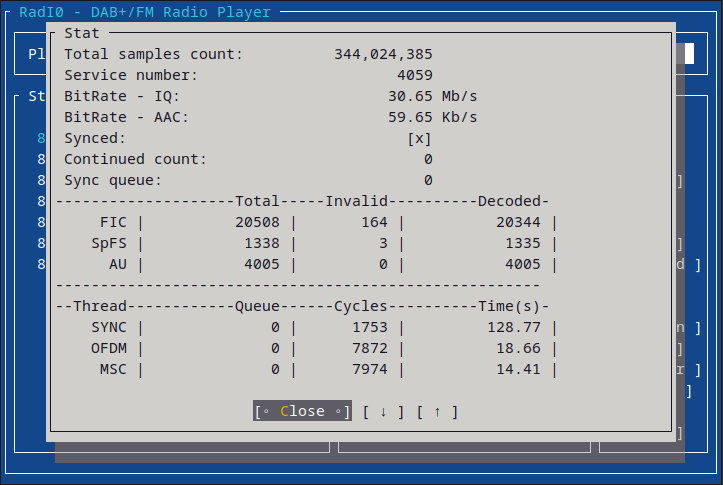
Screenshots & Architecture
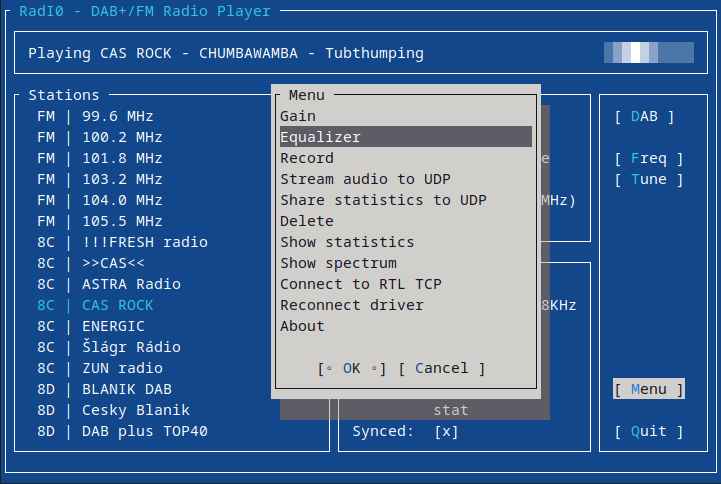
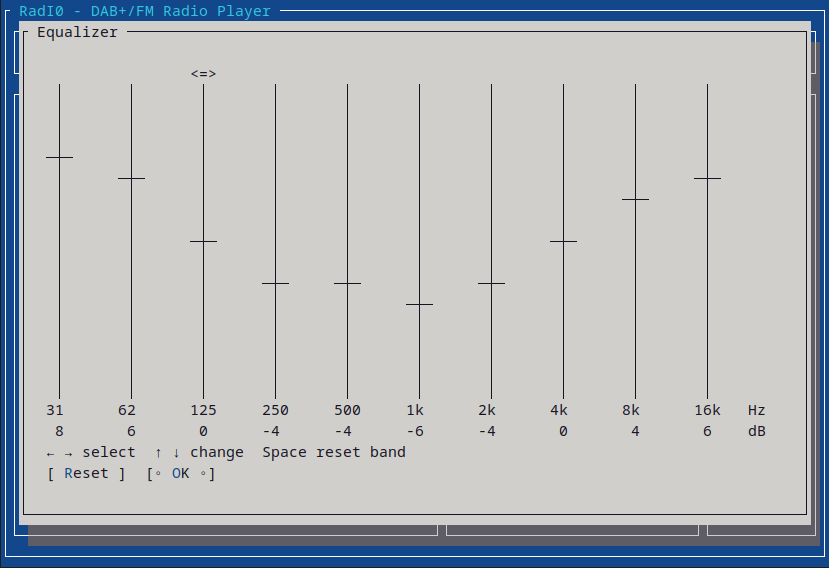
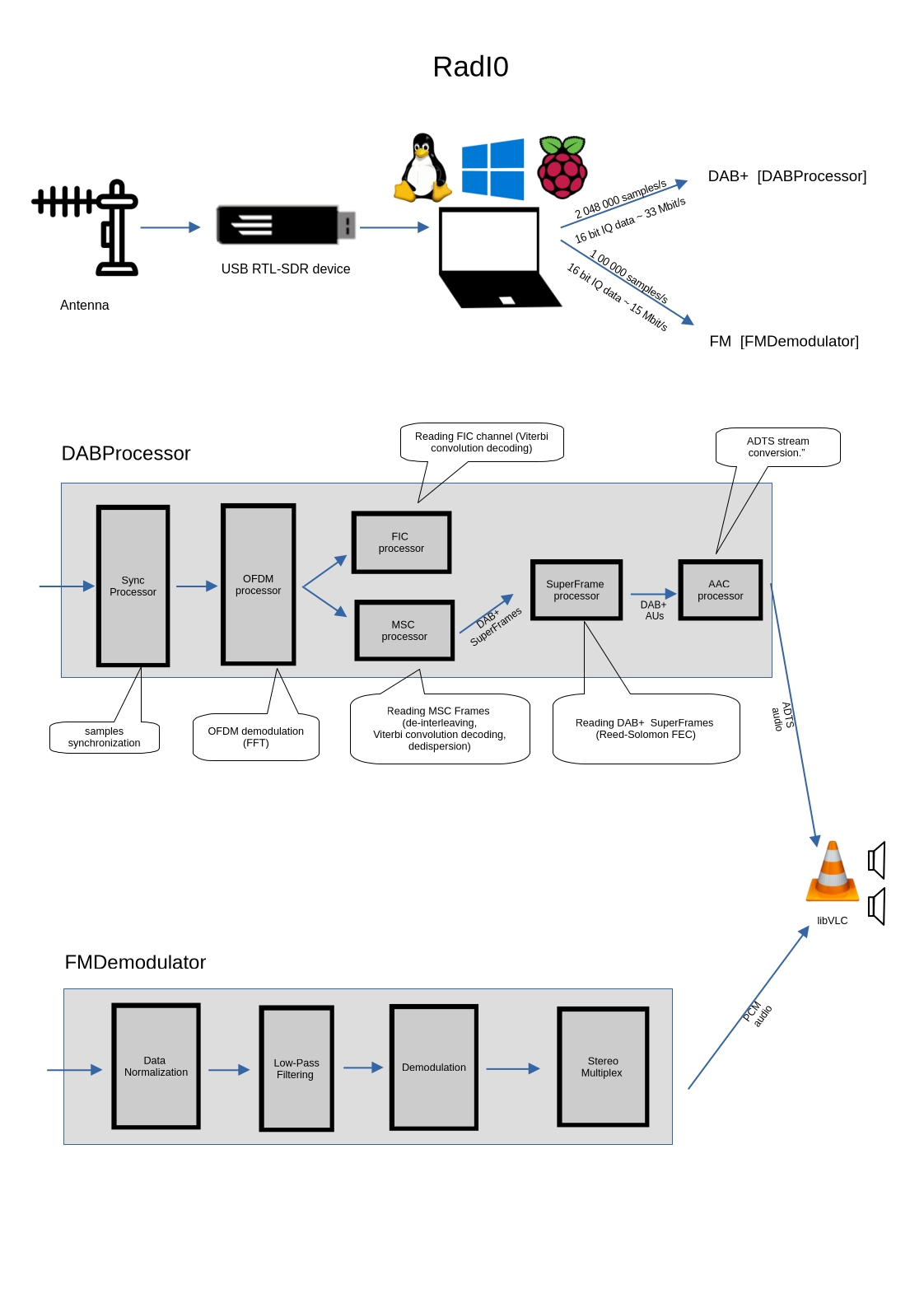
Console Commands Reference
DAB+ Commands
| Command Line | Description |
|---|---|
./RadI0 -dab -f 8D |
Tune 8D frequency |
./RadI0 -dab -f 8C -sn "1175" |
Tune 8C frequency and play radio corresponding to service number 1175 |
./RadI0 -dab -f 8C -sn "1175" -wave /tmp/radio.wave |
Tune 8C frequency, play service 1175, and save audio to PCM wave |
./RadI0 -f 8C -sn 1175 -udp 127.0.0.1:8020 |
Stream DAB audio to UDP (ADTS aac, playable by VLC or mplayer) |
./RadI0 -f 7C -sn 3889 -aac MyDABRadioRecord.aac |
Export DAB audio to AAC file |
FM Commands
| Command Line | Description |
|---|---|
./RadI0 -fm -f "104 MHz" |
Tune and play 104 MHz FM station |
./RadI0 -fm -if FM.raw -wave MyFMRadioRecord.wave |
Export FM audio to WAVE file |
UDP JSON Status Streaming & Remote Access
| Command Line | Description |
|---|---|
./RadI0 -f 8C -sn 1175 -stat 127.0.0.1:5000 |
Broadcasts real-time JSON status over UDP (status, station name, frequency, dynamic label/RDS) for external displays and dashboards |
rtl_tcp -a 0.0.0.0 -p 1234 |
Start rtl_tcp server on remote host with RTL-SDR dongle connected |
Used NuGet Packages
| Package | Purpose |
|---|---|
| RTLSDR | Low-level RTL-SDR driver support and device state handling |
| RTLSDR.Common | Shared DSP utilities, audio data structures, worker helpers |
| RTLSDR.Audio | Audio playback abstractions and AAC decoding support |
| RTLSDR.FM | FM demodulation and stereo decoding |
| RTLSDR.DAB | DAB+ signal processing, ensemble/service discovery, AAC extraction |
| Powershell.Modules | PowerShell module helping build and deploy RadI0 |
Installation & Dependencies
| Platform | Instructions |
|---|---|
| Linux |
sudo apt-get install libfaad2 rtl-sdr libasound2 libasound2-dev libvlc-dev vlc libvlc-binExtract release archive ( .tar.xz) and run ./RadI0
|
| Windows |
Install RTL2832U driver using Zadig, download osmocom rtl-sdr Windows binaries and libfaad2.dll, add to PATH, and extract release (.7z)
|
| License | GNU General Public License v2 (GPL-2.0) |